
Confirm three things before connecting
Use the same local network
Connect the playing device and the iPad to the same local network. Nearby lyric display does not mean cross-network sync or automatic music handoff.
Allow Local Network access
On first use, the system asks for Local Network permission. Allow Cross Lyrics to discover and connect to nearby devices where you want the lyric screen.
Connect in the foreground
Open the apps in the foreground first and complete the connection before placing the iPad beside you. The display uses the playing device's lyric and lookup state instead of searching for a separate result.
Fit the iPad into an everyday setup
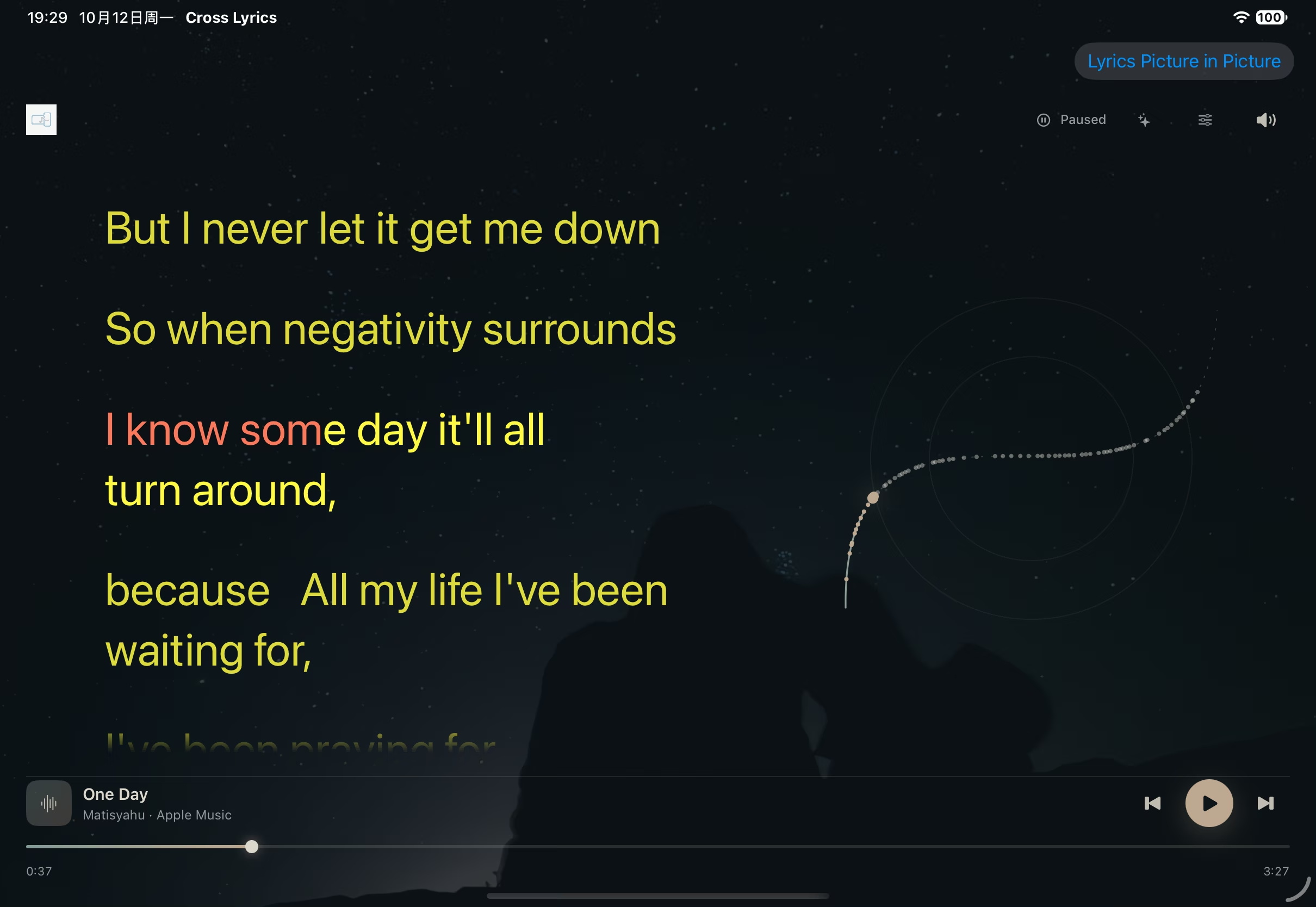
A landscape iPad works well beside a Mac as a lyric screen you can read from farther away. The Mac keeps the main work and compact top lyric; the iPad shows the fuller lyric page.
On mobile, the Lyrics Picture in Picture feature can stay beside another app. Its availability and background duration depend on the system, so confirm them on the target device.
Common questions
Do I need a Mac to use an iPad lyric screen?
No. An iPad can connect to Apple Music or Spotify and find lyrics independently. The conditions on this page apply when it displays lyrics from another playing device.
Why does the iPad show no lyrics from the other device?
Check the shared local network, Local Network permission and whether both apps were opened in the foreground to complete the connection. Older device versions may not support the newer connection protocol.
Can the iPad control music on the Mac?
No. A nearby display consumes the playing device's lyric and state broadcast and does not send playback commands.