
Start in three steps
Open Spotify or Apple Music
Launch the music player you have authorized on Mac and start a song. Cross Lyrics reads the current song and playback position.
Complete macOS access prompts
The first time Cross Lyrics reads playback data, macOS asks whether it may control the selected music app. Allow it when you want playback, track, seek or volume controls; a denied permission can be changed under System Settings → Privacy & Security → Automation.
Open lyrics and keep working
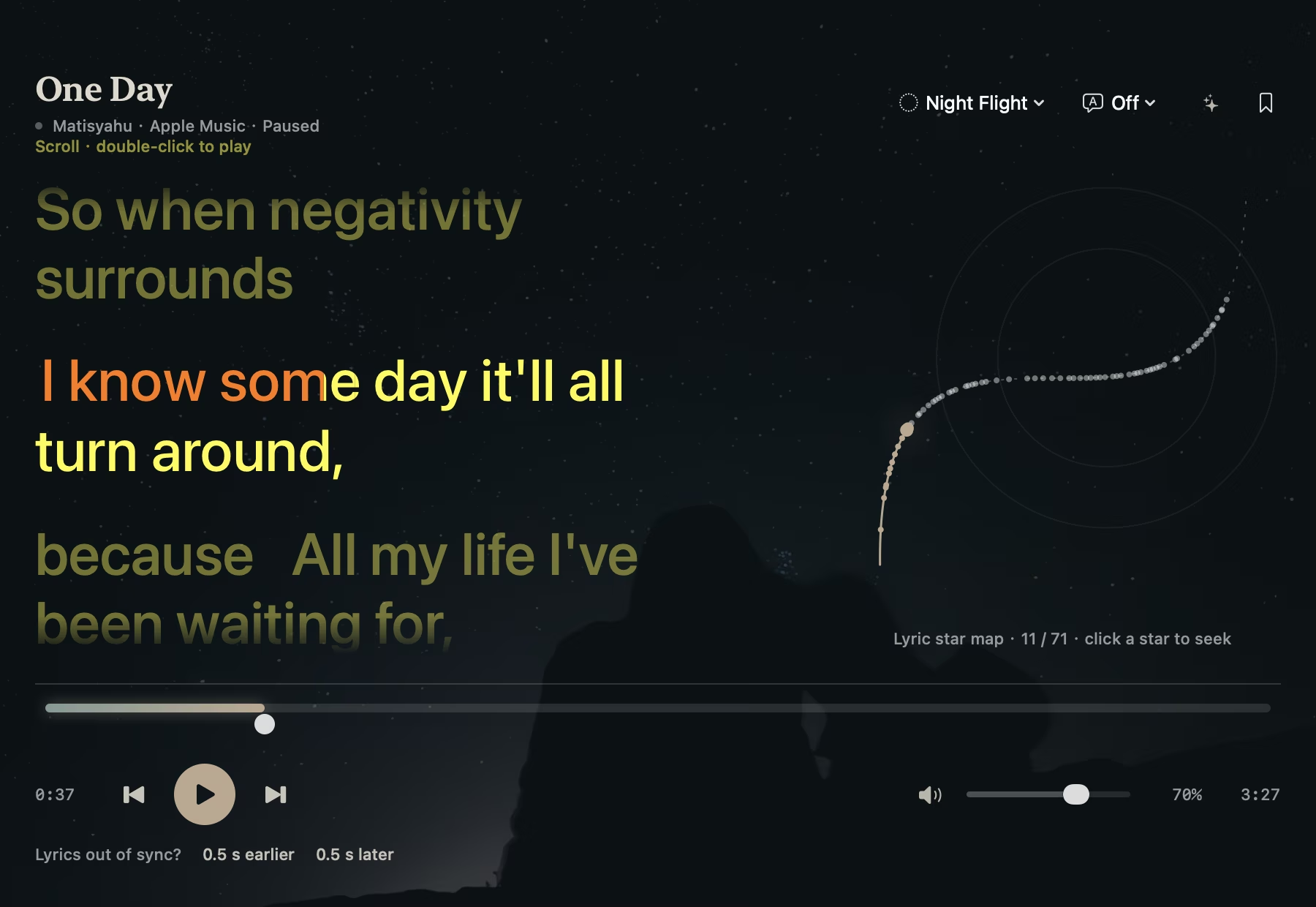
Open the Cross Lyrics Night Flight lyric page. The top lyric can stay visible, while the page offers play, pause, next, previous, mute and volume controls for the current player. If a match is missing, search manually or import an LRC file.
Keep lyrics at the edge of your workday
Use the compact top lyric as a quiet prompt, or open the lyric page for the current and next lines. Lyric size, translation, background and top-lyric position are adjustable in settings and persist after relaunch.
If you want the words farther from the main work display, an iPad on the same local network can show lyrics broadcast by the playing device. See the iPad lyric screen guide for connection conditions.
Common questions
Do I have to use Spotify?
No. Mac supports Apple Music, local audio and manual LRC imports too. Spotify requires its app and authorization.
Why can lyrics be out of sync?
Lyrics come from an online source or an imported LRC file, so matching depends on the song version and source data. The lyric page lets you shift timing by 0.5 seconds and saves that calibration per song.
Can I read lyrics without AI?
Yes. Listening and original lyrics do not require AI. Translation, romanization and Mac line explanations are optional.